Discover our white papers
01
The steps for a successful Odoo implementation :
- Importance of analysing existing processes
- Identification of gaps and objectives
- Significance of an in-depth analysis
- Understanding business needs
- Key qualities of an implementation partner
02
7 essentials to digitize your business :
- Identify an internal manager
- Phase your project
- How to manage this project
- Plan a test and training period
- Avoid bespoke pitfalls
03
Automate your CRM with Odoo (B2B Version)
- Create and send attractive newsletters
- No more abandoned shopping baskets
- Use the cross-selling method
- Use the ‘Product relaunch’ method
- Don't be afraid to ask for feedback

04
Make your ERP sustainable in the long term with 5 actions :
- Don't rely on a single internal resource
- Eliminate custom developments.
- Incitez les employés à utiliser le système à 100%
- Accept that it will never really be over
05
Odoo Migration: checklist
- Prepare the migration
- Allocate your resources correctly
- Validate every development, but don't overdo it
- Test again and again
06
Email Marketing: more engagement, less effort
- Plan your email marketing campaigns.
- Get ready to segment your audience
- Optimize your resources and content
- Test and adjust your emails
07
Marketing Automation
- Schedule your automated workflows
- Segment and personalize your audiences
- Automate your resources and workflows
- Optimize your content for automation
- Test your workflows and adjust the triggers
08
Manage your Events like a pro
- Create your events in Odoo
- Automate registration and ticketing
- Segment your participants
- Manage resources and scheduling
- Optimize communication before, during and after the event
09
Accounting and ERP: why choose Odoo?
- Full integration with the other modules
- Automation of accounting processes
- Tax compliance and flexibility
- Real-time reporting and analysis
- Scalability and reduced cost
10
Comparison of ERP systems
- Modularity and flexibility
- Ease of use and interface
- Price and licensing model
- Integration and scalability
- Support and community
- Deployment and implementation
- Features and customization
11
Odoo CRM
- Lead and opportunity management
- Sales process automation
- Customer interaction tracking
- Detailed reports and analyses
- Seamless integration with other Odoo modules
- Intuitive user experience
12
Website and eCommerce
- Full integration
- Customization and flexibility
- SEO optimization
- Payment and shipping management
- Analysis and Reporting
- Multilingual and multi-currency support
- The importance of mobile optimization
Discover our white papers
01
The Steps to a Successful Odoo Implementation
- Importance of analysing existing processes
- Identification of gaps and objectives
- Significance of an in-depth analysis
- Understanding business needs
- Key qualities of an implementation partner
02
7 essentials to digitalize your business
- Identify an internal manager
- Phase your project
- How to manage this project
- Plan a test and training period
- Avoid bespoke pitfalls
03
Automate your CRM with Odoo (B2B Version)
- Create and send attractive newsletters
- No more abandoned shopping baskets
- Use the cross-selling method
- Use the ‘Product relaunch’ method
- Don't be afraid to ask for feedback
04
Make your ERP sustainable in the long term with 5 actions
- Don't rely on a single internal resource
- Eliminate custom developments.
- Accept that it will never really be over
- Evaluate sales opportunities with your ERP - and vice versa!
05
Odoo migration checklist
- Prepare for migration
- Allocate your resources correctly
- Document Odoo migration processes
- Validate each development, but don't overdo it
- Test again and again
06
Boost your company's growth
- Plan your email marketing campaigns.
- Prepare to segment your audience
- Optimize your resources and content
- Test and adjust your emails
- Analyze and improve continuously
07
Marketing Automation
- Plan your automated feeds
- Segment and personalize your audiences
- Automate your resources and workflows
- Optimize your content for automation
- Test your workflows and adjust triggers
08
Manage your events like a pro
- Create your events in Odoo
- Automate registration and ticketing
- Segment your participants
- Manage resources and schedule
- Optimize communication before, during and after the event
09
Accounting and ERP: why choose Odoo?
- Full integration with other modules
- Automation of accounting processes
- Tax compliance and flexibility
- Real-time reporting and analysis
- Scalability and reduced cost
10
Comparison of ERP systems
- Modularity and flexibility
- Ease of use and interface
- Price and licence model
- Integration and scalability
- Support and community
- Deployment and implementation
- Features and customization
11
Odoo CRM
- Management of leads and opportunities
- Automation of business processes
- Track customer interactions
- Detailed reports and analyses
- Seamless integration with other Odoo modules
- Intuitive user experience
12
Website and e-commerce
- Full integration
- Customization and flexibility
- SEO optimization
- Payment and shipping management
- Analysis and reporting
- Support for multiple languages and multiple currencies
Discover our whitepapers
01
The steps of a successful Odoo implementation
- Importance of analyzing
- Identification of gaps and objectives
- Significance of an in-depth analysis
- Understanding business needs
- Qualities of an implementation partner
02
7 essential steps to digitize your business
- Identify an internal manager
- Phase your project
- How to manage this project
- Plan a testing and training period
- Avoid custom pitfalls
03
Automating your CRM with Odoo (B2B version)
- Create and send attractive newsletters
- No more abandoned shopping carts
- Use the cross-selling method
- Use the 'Product Relaunch' method
- Don't be afraid to ask for feedback
04
Make your ERP sustainable in the long term with 5 actions
- Don't rely on one internal source
- Eliminate custom developments.
- Accept that it will never really be over
- Evaluate sales opportunities with your ERP - and vice versa!
05
Odoo migration checklist
- Prepare for migration
- Allocate your resources correctly
- Document the Odoo migration process
- Validate every development, but don't exaggerate it
06
Boost the growth of your business
- Plan your email marketing campaigns.
- Prepare to segment your audience
- Optimize your resources and content
- Test and adjust your emails
- Analyze and continuously improve
07
Marketing automation
- Plan your automated feeds
- Segment and personalize your target groups
- Automate your resources and workflows
- Optimize your content for automation
- Test your workflows and adjust triggers
08
Manage your events like a professional
- Create your events in Odoo
- Automate registration and ticket sales
- Segment your participants
- Manage resources and scheduling
- Optimize communication before, during, and after the event
09
Accounting and ERP: why choose Odoo?
- Full integration with other modules
- Automation of accounting processes
- Tax compliance and flexibility
- Real-time reporting and analysis
- Scalability and lower costs
10
Comparison of ERP systems
- Modularity and flexibility
- Usability and interface
- Pricing and licensing model
- Integration and scalability
- Support and community
- Implementation and deployment
- Features and customization
11
Odoo CRM
- Management of leads and opportunities
- Automation of business processes
- Track customer interactions
- Detailed reports and analyses
- Seamless integration with other Odoo modules
- Intuitive user experience
12
Website and e-commerce
- Full integration
- Customization and flexibility
- SEO optimization
- Payment and shipping management
- Analysis and reporting
- Support for multiple languages and multiple currencies
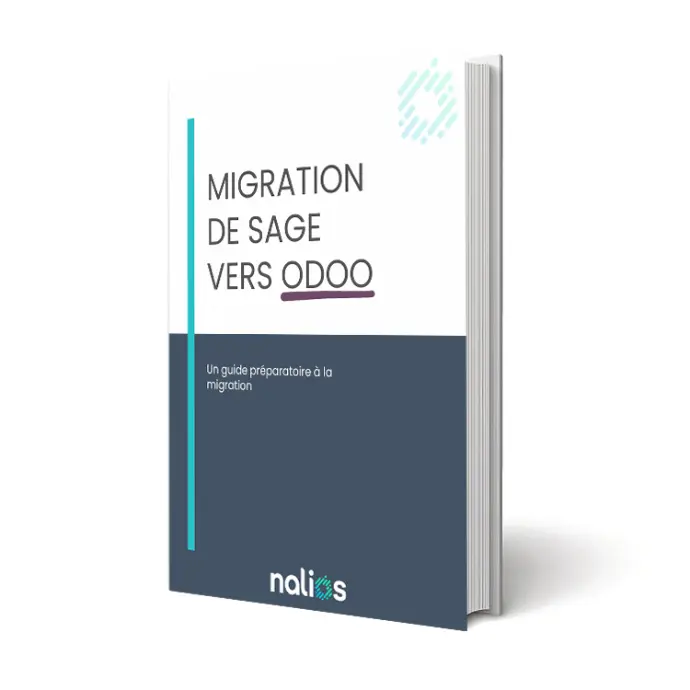
Migration from Sage to Odoo: the practical guide
- Odoo, the all-in-one solution
- Customize when and how you want
- Simple use of the software
- The power of integration tools
- Constant updates and innovation
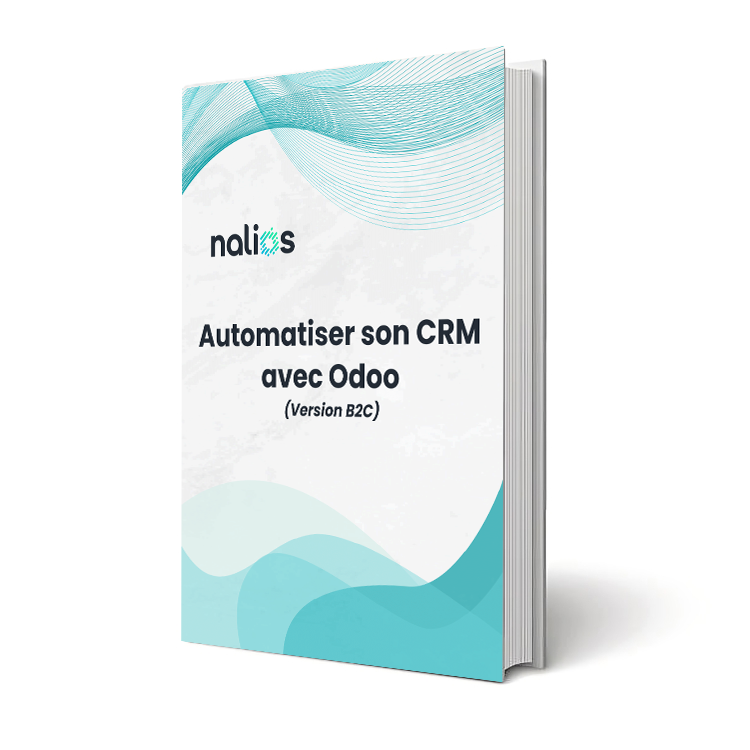
Automate your CRM
- Create an unforgettable customer experience
- Turn visitors into buyers with targeted promotions
- Boost your average cart with "Cross-selling
- Reduce cart abandonment with creative reminders
- Leverage "Back-in-stock notifications"
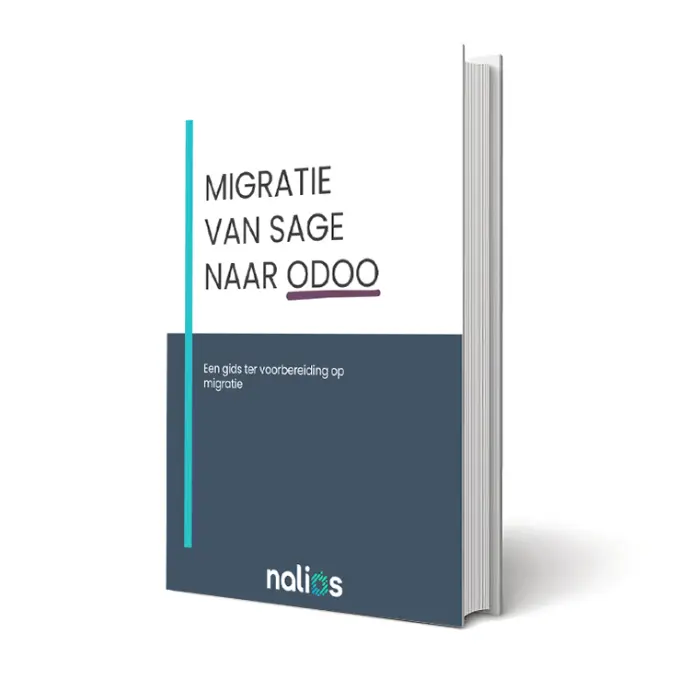
Migration from Sage to Odoo
- Plan your email marketing campaigns.
- Prepare to segment your audience
- Optimize your resources and content
- Test and adjust your emails
- Analyze and continuously improve
Also, discover all our blog articles
And learn more about Odoo's latest features, digitalization, and explore our customer success stories.